Free buyer persona generator, with the business signals to watch
By Etienne DouillardPublished 10 min read
AI summary
Too long, didn’t read?
Ask your favourite AI to summarise this article and pull out the points that matter for your business.

Contents
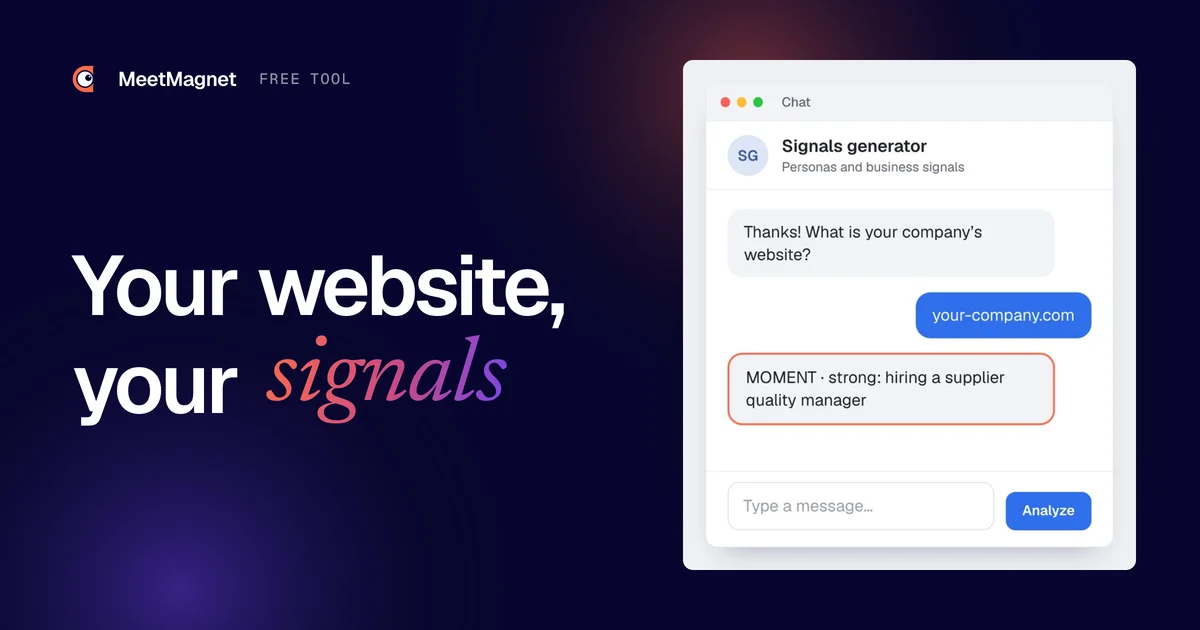
You know who you sell to. But do you know when your customers need you? That is the question our buyer persona and business signals generator answers, a free tool we built and placed right inside this article. You enter your company website; an AI reads it, looks at what the web says about you, and within seconds gives you your target customers, three personas and six to eight signals to watch. The tool is for SME founders, salespeople and B2B marketers who want to prospect at the right moment rather than at random.
What does the buyer persona and business signals generator do?
The generator answers three questions about your company, based on your website and a web search:
- What do you sell, and to whom? Your target customers: industries, size, region, situation.
- Who decides and who uses it at those customers? Three personas, with what keeps them busy and what is at stake for them.
- Which signals show that one of those customers needs your offer now? Six to eight business signals, ranked and explained.
🔎 During the analysis, the chat tells you where it is: it reads your website and what can be found about your company, identifies your customers and personas, looks for your prospects’ signals, then puts it all together.
💡 The result does not stop at signals. It also suggests an example opener written from one of the signals, and three next steps. A signal on its own does not get a reply: the message built on it opens the conversation, and the conversation leads to the meeting.

How do you run an analysis?
👉 Fill in the form below with your first name, last name, email and your company website (the form is in French: « Prénom » is first name, « Nom » is last name, « site web » is website). The analysis starts right away in a chat just below.
⏳ You can run up to 3 analyses per hour. Start with your own company, then try a customer you know well: you will quickly see whether the tool describes their needs the way you know them.
The result appears below the chat, with links to the sources the AI read. It is generated from public sources: review it before using it, more on that below.
Which business signals does the generator look for?
📌 A business signal is a public fact showing that a company probably needs what you sell, now or soon. We give the full definition and a set of examples in our article what is a business signal. For the theory behind these signals (the EKB, TRA, TPB and Howard-Sheth buying-behavior models), read how algorithms predict purchase intent. The generator works with two types and three levels.
MOMENT: a fact that reveals a need
A MOMENT signal is an observable fact: the company is hiring, changes leaders, launches a product, raises funds, redesigns its website, moves offices, prepares a trade show, answers a tender or faces a new regulation. That fact creates a likely need, and it has a date: it gives you the right moment to write.
INTEREST: a visible concern
An INTEREST signal is a concern you can see: the person posts, comments or reacts on the problem your offer solves, or follows experts on the topic. They may not have a project yet, but the subject is on their mind. It gives you something to talk about.
To find the right signals, the AI asks the questions a good salesperson asks: what event comes before someone buys this offer? What outside pressure creates the need (a regulation, growth, a competitor)? Which topics does a prospect react to while they are thinking it over?

Strong, medium or weak?
Each signal also gets a level:
- 🎯 Strong: a direct need, or a decision under way.
- Medium: a need coming soon.
- Weak: a possible need, further away.
A weak signal is not useless: it tells you who to keep an eye on. But a strong signal is the one you write on first.
Examples of signals by industry
Signals depend on what you sell. Here is what they look like for a few B2B offers:
| Your offer | A MOMENT signal | An INTEREST signal |
|---|---|---|
| Quality management software | Hiring a supplier quality manager | Comments on posts about supplier audits |
| Accounting firm | Opens a subsidiary or buys a company | Asks questions about e-invoicing |
| Cybersecurity | Opens a new site or moves to remote work | Shares content about the NIS2 directive |
| Corporate training | Hiring several salespeople at once | Talks about onboarding new hires |
| Logistics and transport | Opens a second warehouse | Reacts to posts about rising transport costs |
| Marketing agency | Launches a new product or brand | Complains about a lack of inbound leads |
How do you describe a signal like a human?
The generator describes each signal the way you would tell a colleague, never like software. It makes all the difference when you write:
- ❌ “Liked a post about quality.”
- ✅ “Is looking into reducing supplier non-conformities.”
- ❌ “Topic: hiring.”
- ✅ “Is hiring a supplier quality manager.”
A precise signal already gives you the first line of your message. A vague topic gives you nothing, and your prospect can tell.
Why does a B2B persona help you choose signals?
A persona is a portrait of a type of person who buys or uses your offer: their role, what keeps them busy, what is at stake for them. The word comes from software design: Alan Cooper popularised it in 1999 in his book The Inmates Are Running the Asylum. In B2B you almost always have several, because a purchase is rarely decided by one person: the one who signs, the one who uses it, the one who recommends it.
🧭 The persona is there to choose signals, not to decorate a slide. The same fact does not matter to everyone. A manufacturing SME opens a second site: the operations director thinks about capacity and hiring, the finance director thinks about funding, the quality manager thinks about certifying the new site. Three people, three reasons to buy, three different messages.

That is why the generator describes three personas first, then looks for signals. A signal is only useful if you know who it speaks to, and who to write to when you see it. To go further on the roles in a purchase, read our article on who really makes B2B buying decisions.
What does the analysis result contain?
The result is a formatted page, in this order:
- Your company in one sentence: what you do, for whom, and your industries.
- Your target customers: three or four segments, described in a few lines.
- Three personas: the role, what keeps them busy, what is at stake.
- Six to eight business signals: each with its type (MOMENT or INTEREST), its level (strong, medium or weak), why it reveals a need for your offer, and where to spot it (LinkedIn, job boards, press, company registers).
- An example opener of three lines, built on one of the signals, ending with a question.
- Three next steps: where to look for these signals, who to contact first, what to write.
📚 On top of that come the sources the AI read, as links, so you can check where each piece of information comes from.
Each signal takes the form of a card. Here is what a card looks like for a production software vendor selling to manufacturing SMEs.

👉 Read the cards marked “strong” first: they are the ones where the need is closest.
How do you read and use the result?
A result is worthless if it stays in a browser tab. Here is how to turn it into your first meetings:
- Check your company summary. If the AI got what you sell wrong, everything else follows the same mistake. Run the analysis again with the page of your website that best describes your offer, or correct it in your head.
- Keep the personas you recognise. Compare them with your last three customers. A persona that looks like nobody you know goes aside.
- Pick two or three signals, not eight. Start with the strong signals linked to your best customers. Ask yourself: did this happen at their company just before they bought?
- Look for them where the tool tells you. LinkedIn, job boards, press, registers: count how many companies show each signal in a week. Our method to identify your business signals helps you complete the list.
- Write the opener from the signal. Take the suggested example, adapt it to each person, and end with a simple question.
- Aim for the meeting. When the person replies, offer two specific time slots. The full method is in our article from buying signal to meeting.
Here is what step 5 looks like with a strong signal, for a vendor of route planning software:
Example
Signal (MOMENT, strong): a 60-person chilled transport company is hiring an operations manager for its new warehouse near Daventry.
Opener that fails: “Hi Sarah, I’m reaching out because our software helps hauliers optimise their routes. Would you have 20 minutes this week for a demo?”
Opener that gets a reply: “Hi Sarah, I saw you’re hiring an operations manager for the new Daventry warehouse. A second site usually means redrawing routes between the two. Are you planning them together or site by site?”
The first version talks about the seller and asks for time. The second talks about a project the company made public, and asks a question Sarah can answer in one line. ✅ Her reply tells you where she stands, and it starts the conversation that leads to the meeting.
What does the generator not do?
The tool has limits, and it is better to know them before you use it:
- ⚠️ It is not the truth. The AI reads your website and a few public search results. It writes “to be checked” when something is unclear, and it invents no customer names, figures or testimonials. But it can misread a complex offer or a vague website.
- It only sees what is public. What your customers tell you in meetings, your sales, your margins: the tool knows none of it. Your experience remains the best filter.
- It is not a list of prospects. The tool tells you which signals to watch, not which companies show them today. It names no one to contact.
- It is a snapshot, not ongoing monitoring. A signal is worth something while it is fresh. An analysis run today will not warn you about the job posted next week.

Spotting these signals every day, at the right people, is what MeetMagnet does: the app detects buying signals on LinkedIn, suggests an opener drawn from each signal, which you approve, and sends it on LinkedIn and by email. Other sources of signals, such as job boards or the press, are available as an option.
Sources
- Alan Cooper, The Inmates Are Running the Asylum, Sams Publishing, 1999: origin of the persona in software design.
- MeetMagnet buyer persona and business signals generator: MOMENT and INTEREST signal method and result format, as programmed in the tool on 3 October 2026.
Frequently asked questions
Is the buyer persona generator free?
Yes. You leave your first name, last name and email in the form in this article, then enter your company website. The analysis is free, with no subscription, up to 3 analyses per hour so the tool stays available for everyone.
What is the difference between a MOMENT signal and an INTEREST signal?
A MOMENT signal is a public fact that reveals a likely need: a new hire, a new role, a launch, a move. An INTEREST signal is a visible concern: the person posts, comments or reacts on the problem your offer solves. Both tell you when to write, and what to talk about.
Does the generator give me a list of prospects?
No. It describes your target customers, your personas and the signals to watch, but it names no company and no person to contact. To find the people showing these signals, you search LinkedIn, job boards or the press, by hand or with software.
Can I trust the AI's result?
Treat it as a working draft, not the truth. The AI relies on your website and a few public web search results, and it writes “to be checked” when something is unclear. Review your company summary, keep the personas you recognise and the signals you have already seen at your customers.
What language is the result in?
In the language of the article you are reading: English here. The website you analyse can be in another language; the AI reads it as it is and answers in English. The form itself is in French. The two signal types keep their names, MOMENT and INTEREST, in every language.
Etienne Douillard
Co-founder and CEO, MeetMagnet
An engineer and entrepreneur for over five years, Etienne works every week with B2B SMEs on signal-based prospecting.
From intent to booking
MeetMagnet spots who has a reason to talk to you right now, writes the opener that stands out, and a real person keeps it on track.